
Imen Gold platform
Product verification and gold business management
Check product status and its profile on mobile. Manage your business’s security cards, products, inventory and users in the management dashboard.


Check a product
Verify with a code, barcode or NFC
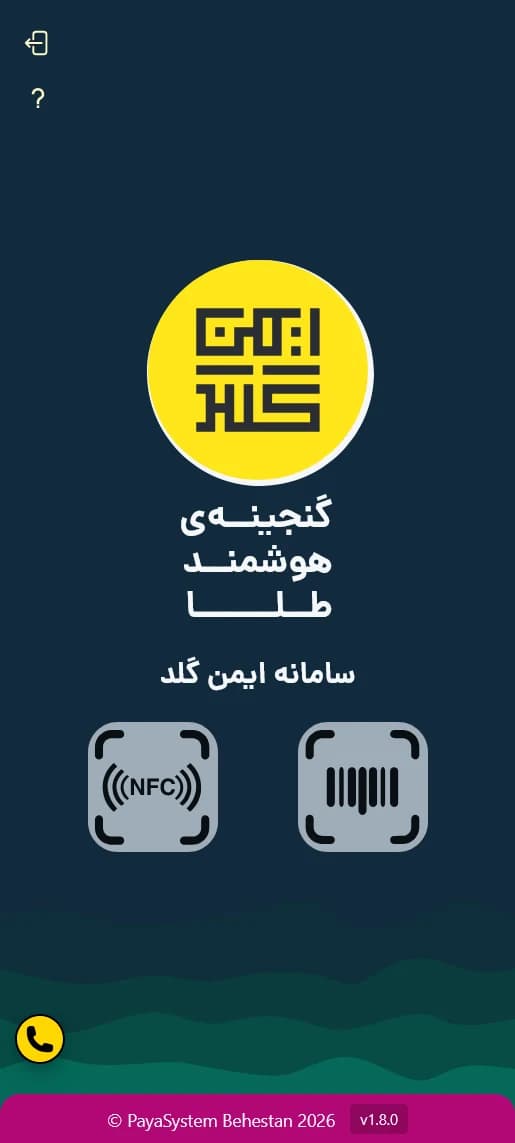
The verification page is designed to check product status and information on a mobile phone. Choose one of the methods below based on the code or tools you have available.
- 01
Enter a code or card serial
Enter the product identifier or card serial. This method does not require a camera or NFC.
- 02
Scan a barcode
Scan the product barcode with your phone camera to display the verification result and product information.
- 03
Read NFC
If your phone and browser support NFC, bring your phone close to the NFC product or label to retrieve its information.
After the enquiry
Information in the verification result
The result starts with the product status, followed by its specifications and record. Visible details depend on the product type and available information.
Product status
View the product status in the verification result.
Product specifications
Viewable specifications are provided according to the product type.
Brand and packaging
Brand and packaging details are also shown when information is available.
Product profile
Viewable product information and related details are collected in the product profile.
NFC warning
A mismatch or issue warning appears only during NFC verification and if an unusual condition is detected.
On your phone
Using the platform on your phone
Focus on verification
The verification page makes product checks accessible without involving the user in management tools.
Scan with your phone camera
Use your mobile phone camera to read the barcode.
View results on mobile
Product status, specifications and profile are displayed in a layout suited to your phone screen.
NFC on compatible devices
NFC use depends on phone and browser support.
Using product enquiries
Product information when buying
Check information when buying
Review product information at the time of purchase.
Access the result
Access product information by entering a code, scanning a barcode or using NFC.
View the product profile
See viewable product and packaging information in the product profile.
Use your mobile phone
From entering a code to viewing the result, verification steps are designed for use on a phone.
How to use it
Making an enquiry and checking the result
- 01
Choose a verification method
Enter the code, scan the barcode or use NFC.
- 02
Product information is retrieved
The platform prepares the information related to your verification.
- 03
View the result
Review the product status, specifications and profile.
- 04
During NFC verification, check for a warning
If an unusual condition is detected, a message related to that verification is displayed.
View the product profile on your phone
Open the verification page to check product status and information. A code, barcode or NFC on a compatible device provides access to the result.
For gold retailers and businesses
A verification page with your name and logo
Your customers’ verification page can use your brand’s logo, colours and appearance. Imen Gold’s core verification features are preserved; a ready-made template or custom design determines how they are presented.
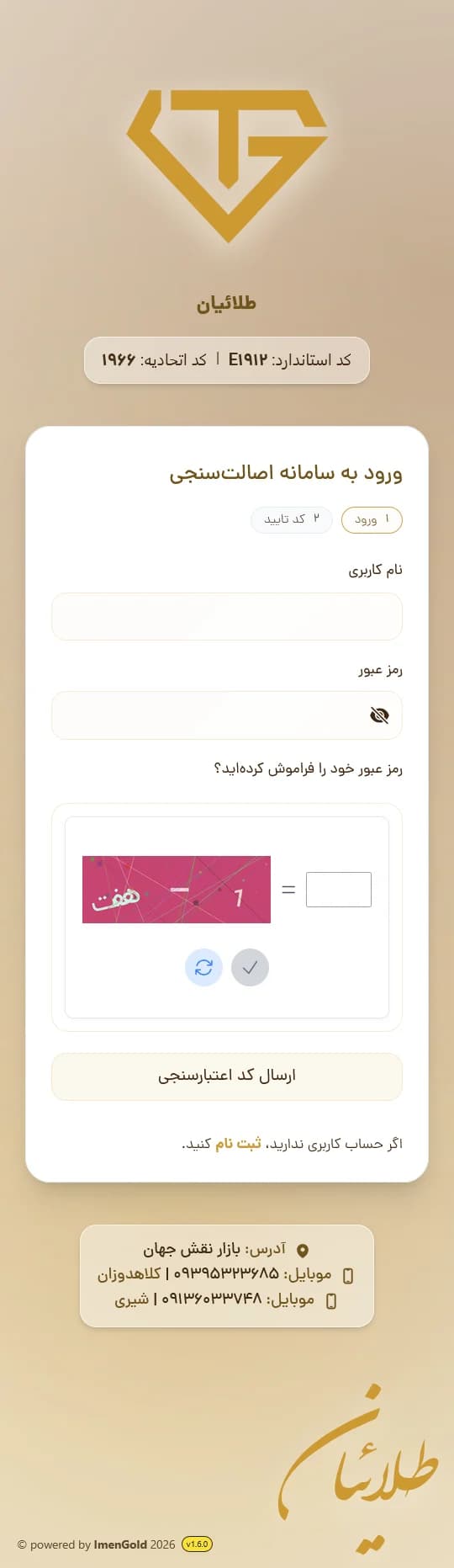
Examples: Zargar, Crown, Talaeian and Daya Gold
Ready-made template with your brand’s logo and colours
To get started sooner, use a ready-made template with your brand’s logo and colours.
Implemented examples
Select a page
Example: Motieha
Custom verification page design
If you need a different appearance and layout, the verification page details can be designed around your brand’s visual identity.
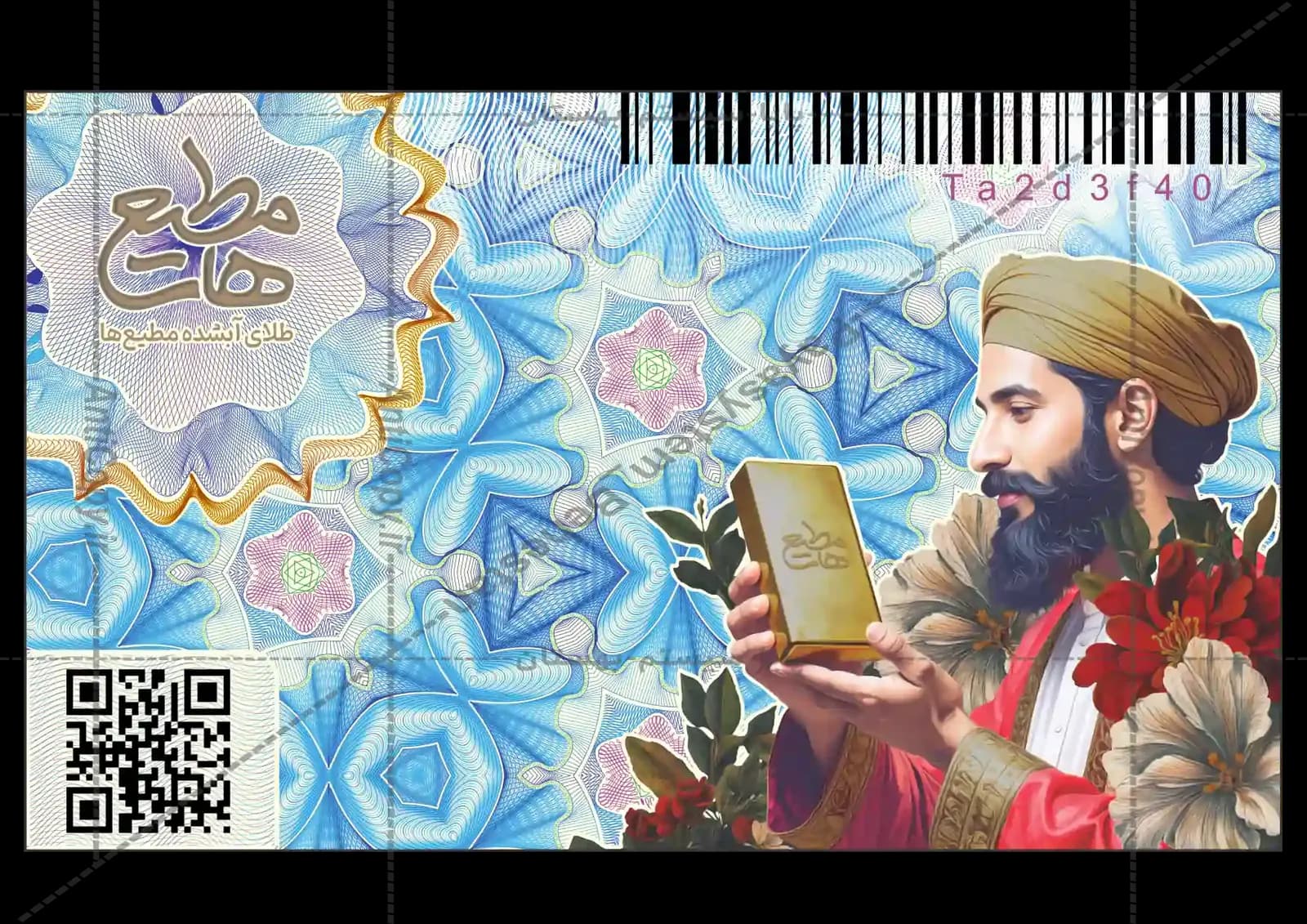
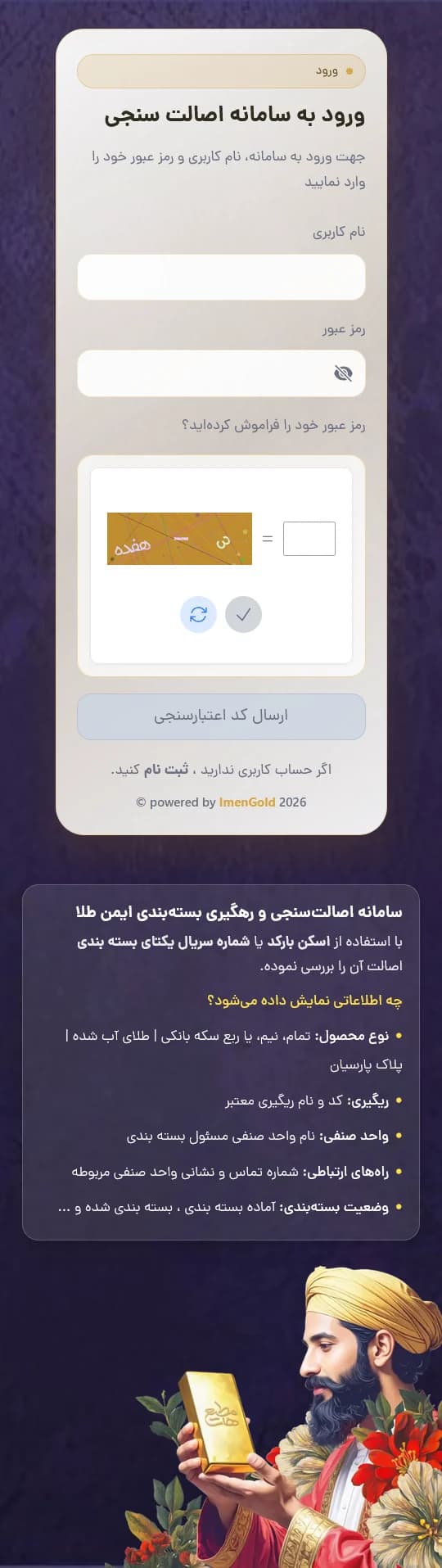
Motieha verification pages
Explore the sign-in page, method selection and result in the Motieha example to see this brand’s custom design.
Gold business management
Manage cards, products and inventory
In the Imen Gold desktop dashboard, you can manage information about security cards, gold and silver bars, Parsian plaques, warehouses and users. Each person’s role and access level determines what information they can see and what actions they can take.
Information in one platform
Access information about cards, products, warehouses and users in the dashboard.
Track product status
View and manage product statuses according to their type and your access level.
Access suited to responsibility
Each user sees the tools and information defined for their role.
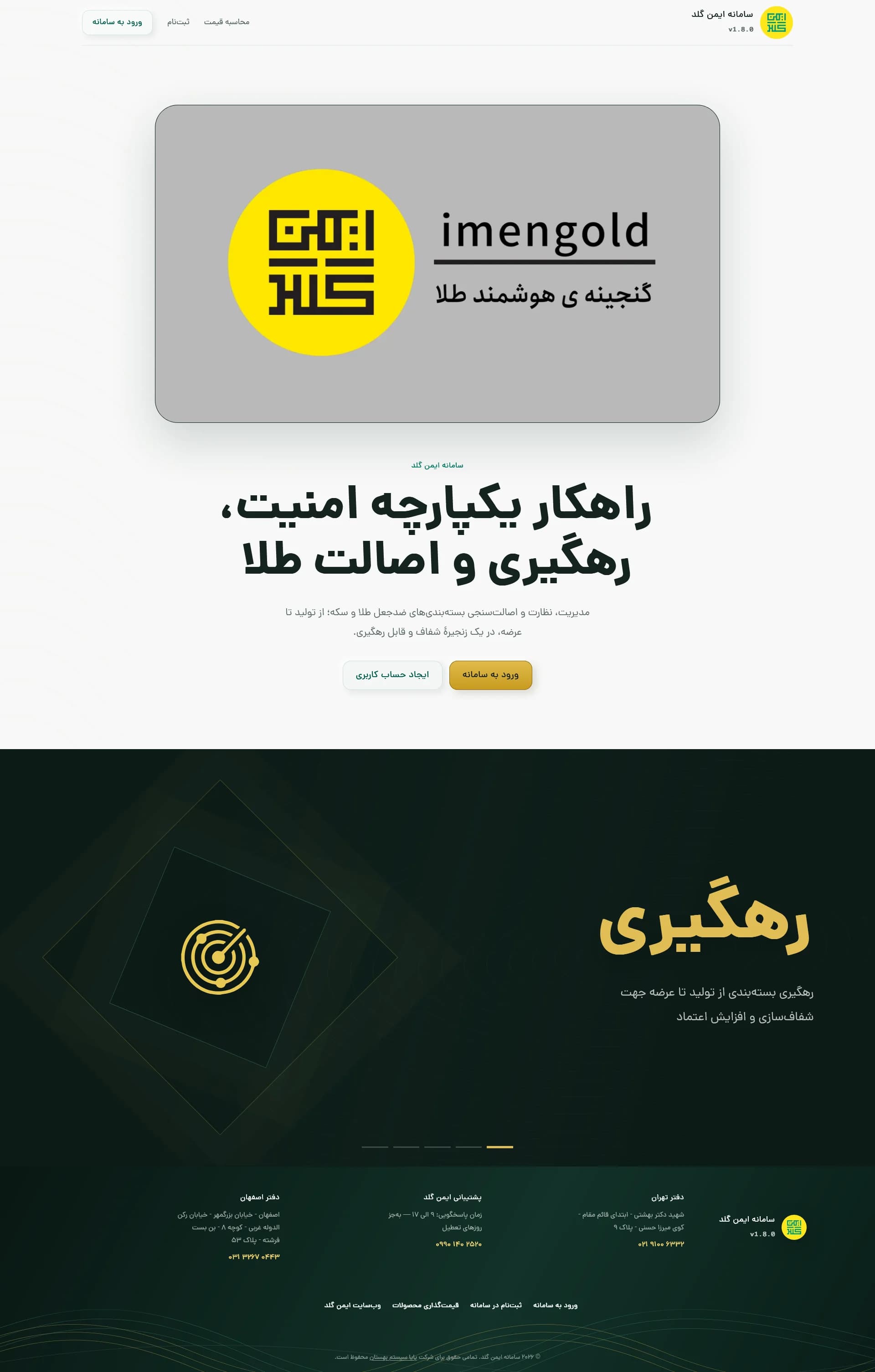

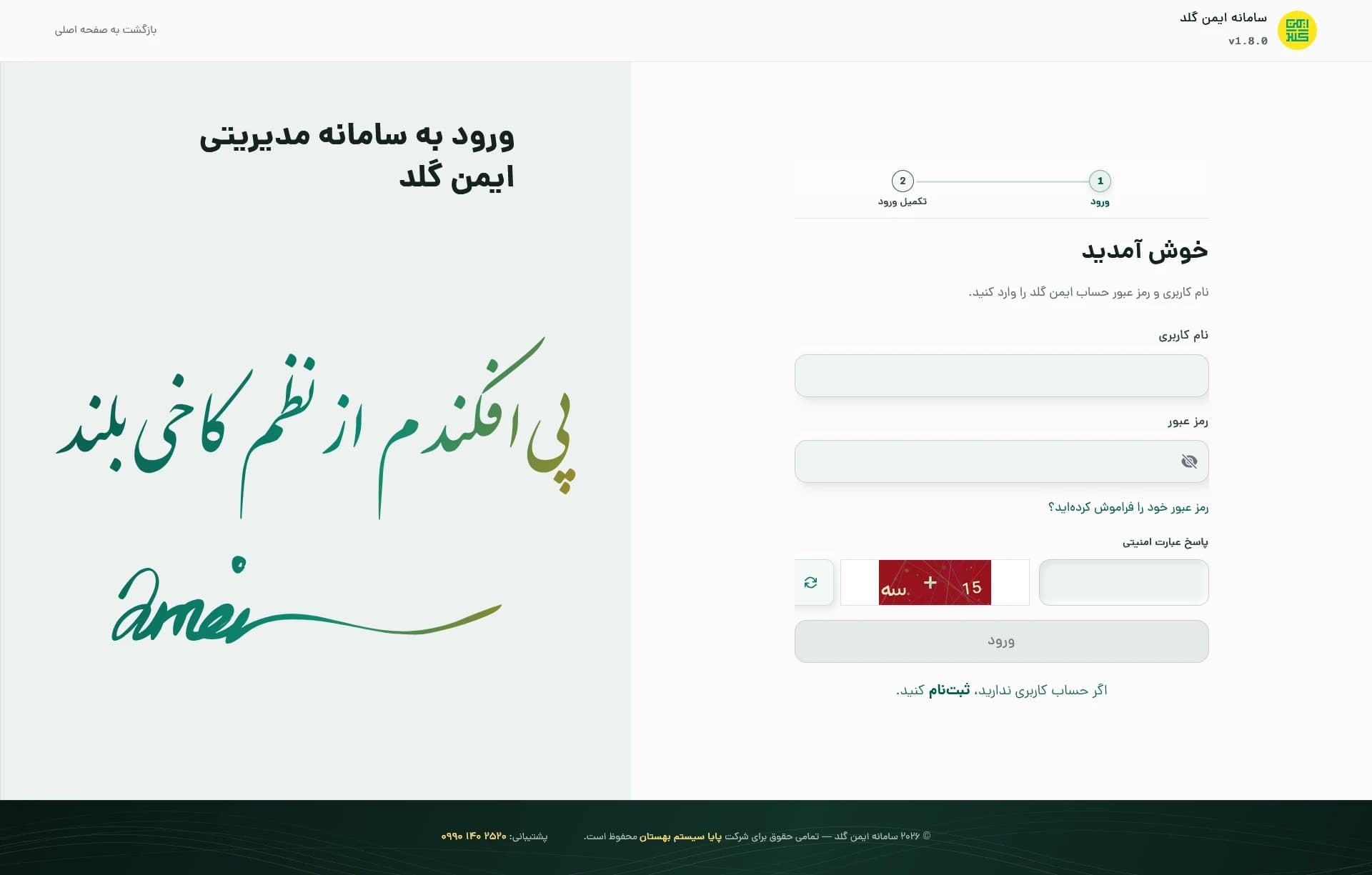
The image shows the platform introduction page. Management tools appear after sign-in, according to access permissions.
Everyday business tasks
Dashboard capabilities
Security cards
Search cards and view their status, details and related packaging information.
- Search cards and view details
- View card status
- Manage cards in the desktop dashboard
- Track information related to each card
Gold and silver bars and Parsian plaques
Record specifications, weight and fineness, and review inventory and product storage locations alongside their status.
- Record specifications, weight and fineness
- Manage gold and silver bars
- Manage Parsian plaques
- View inventory and storage locations
Warehouses and inventory
Define and manage warehouses, review product storage locations and view available inventory.
- Define warehouses
- Manage storage locations
- View available inventory
Trade associations, businesses and users
Manage businesses and their members, with defined roles and access scopes for users’ activities.
- Manage trade associations
- Manage businesses
- Define members and roles
Account security and access levels
Roles and permissions determine which tools and information each person can access. Multi-factor authentication helps protect accounts. The platform’s application programming interface (API) is also available for approved integrations to users with access.
Gold prices and changes
View gold prices and their changes alongside product and inventory information.
Dashboard users
For unions and trade businesses
Trade associations
Manage business structures, users and access levels, and oversee organisational information.
Businesses
Manage inventory, warehouses and product specifications, and track their status.
From packaging to reports
Following products through the workflow
- 01
Preparation and packaging
The product is prepared to enter the work process.
- 02
Record inventory and storage location
Warehouse and storage information is recorded with controlled access.
- 03
Track status during sale
Product status is tracked according to its type and work process.
- 04
Reporting and follow-up
Yes. The ImenGold management platform provides reports on areas such as purchases and sales, card inventory, product status and other management information. These reports help businesses manage their internal processes more accurately, transparently and traceably.
Open your business management workspace
Access tools for managing security cards, products, inventory, warehouses and users.